
Name-Based Case Searches
Lipscomb County posts no online name-search form. There is no wildcard rule, no date filter, no results page. A name-only lookup is really a clerk request, so come prepared. Bring the full legal name. Also bring an approximate filing year, the case type, and the court listed on any notice. Mention a former name only when it matters to the record. A similar name alone proves nothing. Confirm the cause number, case style, filing date, and court. Do that before you rely on any entry. The clerk cannot match a court docket to a hunch.
- Classify the matter as district, county, JP, or municipal.
- Gather the full name, year range, case type, and city or issuing agency.
- Call or write the responsible clerk and ask whether a name search is available.
- Verify the returned court, cause number, style, status, and latest entry.
- Order a docket sheet or named filed paper only after confirming the match.
| Field Label | Type | Required | Notes |
|---|---|---|---|
| Party name | Written detail | When number is unknown | No county syntax or partial-match rule is published. |
| Court | Written detail | Yes | Name the 31st District Court, County Court, JP, or city court. |
| Case type | Written detail | Recommended | Felony, civil, family, probate, misdemeanor, traffic, eviction, or small claim. |
| Date range | Written detail | Recommended | Use an approximate filing or event year. |
Say which court and filing year you expect. That spares the clerk from guessing jurisdiction based on the person's name alone.
Lipscomb Court Type First
Jurisdiction sets the route. Felony, major civil, and family matters sit with the District Clerk. Misdemeanor and probate files in the Constitutional County Court belong to the County Clerk. Traffic tickets, evictions, and small claims may fall to the Justice of the Peace. Class C matters may go there too. Booker and Follett municipal cases stay with their city courts. One elected official currently holds both clerk titles. The two sets of records never merge into a single docket.
Start with custody: a city name, party name, or payment receipt does not identify which Lipscomb County court owns the file.
Case Number Searches
Copy the cause number exactly. Take it from the citation, setting notice, pleading, bond paper, or order. Lipscomb County has posted no number pattern or prefix legend. A display such as [exact cause number] is a prompt to copy from the source document. It is not a model to guess at. Name the court with the number too. Justice, municipal, county, and district records can number cases differently.
Ask the clerk to confirm the case style and filing date before you order copies. If a digit is unclear, give party names. Offer the year rather than guessing. A search fee may apply when no cause number is supplied. Texas Chapter 51 sets a $5 district-clerk search baseline. The county has posted no complete local fee sheet or turnaround promise.
No Lipscomb Case Code Legend
No official source explains local CR, CV, PR, or family codes. Generic Tyler or Odyssey examples from other counties do not describe Lipscomb County entries. A short label can control a deadline or outcome. When one does, ask for the full entry and the signed order. Older cases may sit on paper, microfilm, or another clerk system. The county has published no archive years. It posts no digitization start date either.
A cause number that finds no match can mean several things. It could be the wrong court. It could be a transcription error, an archive-only file, or a restriction. Or it could be a case that never sat in that office. It does not prove dismissal or expunction.
Case Search Results Explained
A good result should hold enough detail to separate your case from a similar name. Most dockets are just a chronology. They summarize filings without showing document images, so request the signed paper when exact terms matter.
| Cause number | The exact local identifier returned by the custodian. |
|---|---|
| Style and parties | The case caption, sometimes shortened in an index. |
| Court and type | The court level and criminal, civil, family, probate, traffic, or other category. |
| Events | Filing, service, motions, orders, settings, hearing results, judgment, and appeal entries. |
| Status | A clerk label that should be checked against the latest signed order. |
Verify every field against the citation, notice, or order.
Lipscomb Court Directory Limits
The Texas court directory filters by search type, court type, appellate district, county, region, court text, address city, and sort choice. Results list courts, judges, addresses, phones, and email. It never searches individual Lipscomb County cases. Use it to pin down a court or a current contact, then send the case request to that clerk. The directory updates as information arrives, while annual reports sit frozen as fixed snapshots. Recheck the live listing before mailing anything time-sensitive.
Two Ways to Search: County and State
Texas offers no single free public statewide trial-court case database. Lipscomb County has no public individual-case portal either. State resources help you identify courts and filing infrastructure, but the local clerk supplies the docket or case document. eFileTexas serves filers, not public guest access.
| Texas resource | Lipscomb County route |
|---|---|
| OCA directory identifies courts and officials. | District, County, JP, or city clerk searches its own records. |
| eFileTexas shows mandatory filing and Full integration. | No public guest case form or image viewer was located. |
| Best for finding the right court or filing system. | Best for a known local cause, docket sheet, or filed copy. |
The two layers fit together. Statewide tools name the courts and the infrastructure, while the local clerk answers the actual case question.
Lipscomb Full Search Meaning
The active-courts table marks Lipscomb civil and criminal e-filing as mandatory with a “Full” integration label. That “Full” label describes e-filing and research services. It is not a promise of public browsing. Nothing in it means every historic file is scanned or that restricted documents appear.
The county clerk pages remain the verified public fallback. District and County Clerk requests can be mailed or emailed. The shared office lists 806-862-3091, P.O. Box 70, Lipscomb, TX 79056, and chrissy.dunn@co.lipscomb.tx.us. Name the court in your request anyway, since one person currently holds both clerk titles.
Which Lipscomb Cases Stay Restricted
Some Lipscomb County records never reach the public. Law, rule, or court order can seal a file. It can hide a juvenile matter, expunge a case, or redact a protected address. A grand jury's work gets special care too. So a public docket may list an event while the filed image stays closed. Ask the Lipscomb clerk. Is the record restricted, archived, held by another court, or just not digitized?
The Texas Judicial Branch access policy draws one clear line. Rule 12 administrative judicial records are not the same as adjudicative case files. Want a case record? Follow the responsible clerk's procedure, and if access is denied, ask for the legal basis. A Rule 12 administrative record goes through the written custodian and review route. That rule spells it out. The Texas Public Information Act is no universal shortcut into court case files.
Check a Lipscomb Search Match
A name match is only a lead. Before you trust a Lipscomb County docket result, set it against the source paper. Compare the cause number, the court, the case style, the filing date, and the case type. Compare the latest entry too. A similar name in another court or year is simply a different record.
Next, figure out what you actually have. A docket index, a filed image, a calendar item, and a directory listing each prove something different. So do a payment receipt and a certified copy. If the clerk cannot locate the matter, keep asking. Another court level, an older archive, a transfer, an appeal, a restriction, or a number copied in error could explain it. Save the clerk's answer, and get the signed order when the exact outcome matters.
Write down the date, the office, and the contact that produced the result. Directory data, schedules, and settings change.
Date the Lipscomb Search
Note when you checked the clerk, directory, or schedule. The directory is live, the district schedule is annual, and OCA reports are period snapshots. A dated note exposes a later change. It also keeps an old contact from passing as current. For a pending matter, recheck the date close to the appearance or filing deadline. Then preserve the official response.
Lipscomb Search Source Views
The official Texas court directory search displays court and judge search controls.
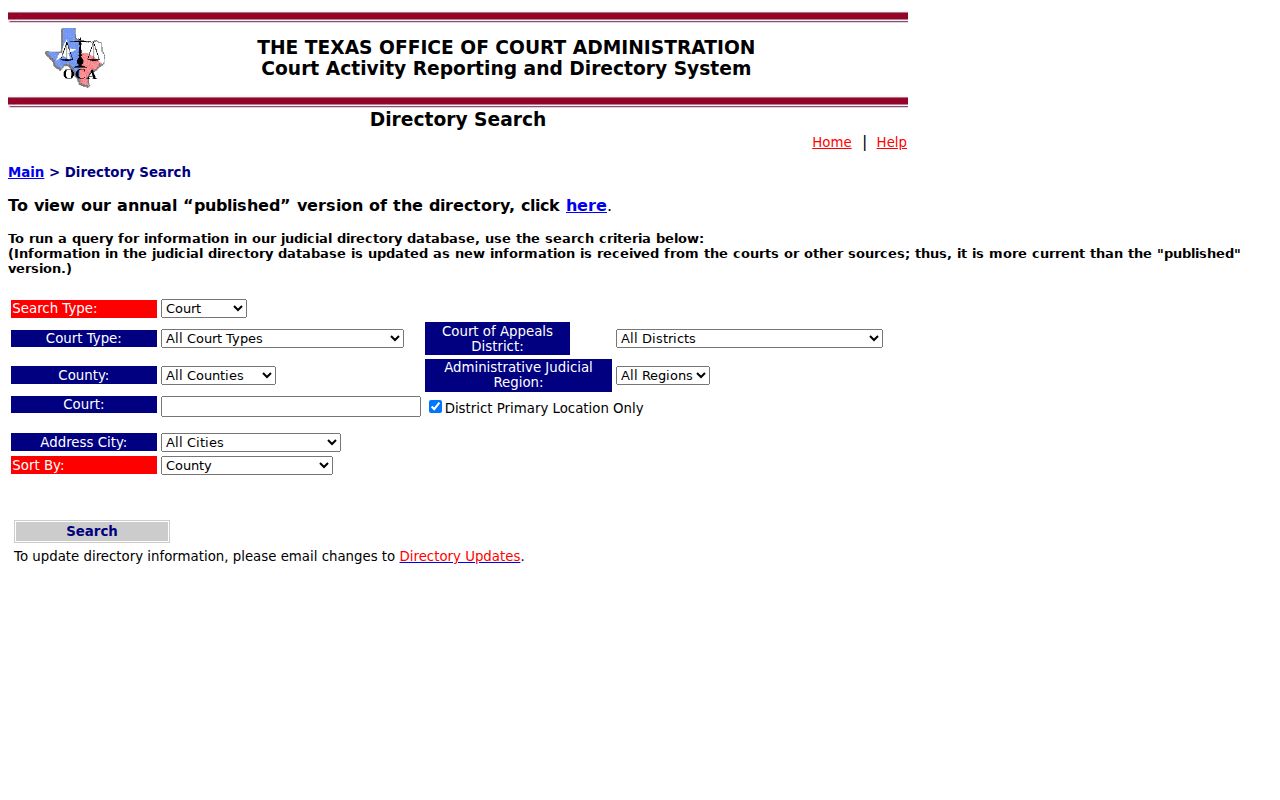
The form locates courts and officials, not individual cases. The Lipscomb directory result lists the local County Court, JP, and municipal entries for the county.
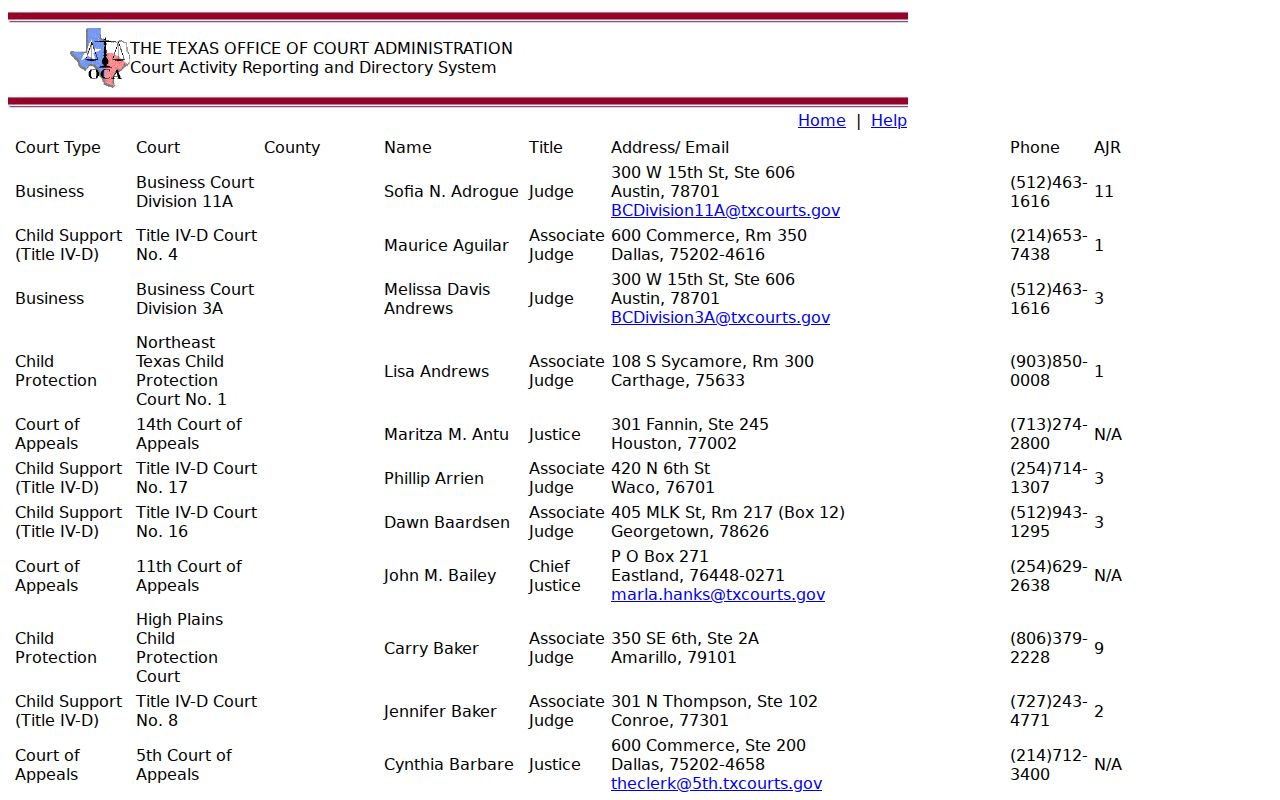
These results help identify a custodian without supplying a cause-number search.
Lipscomb Case Search Guidance
The Texas Judicial Branch FAQ directs trial-case record questions back to local courts.
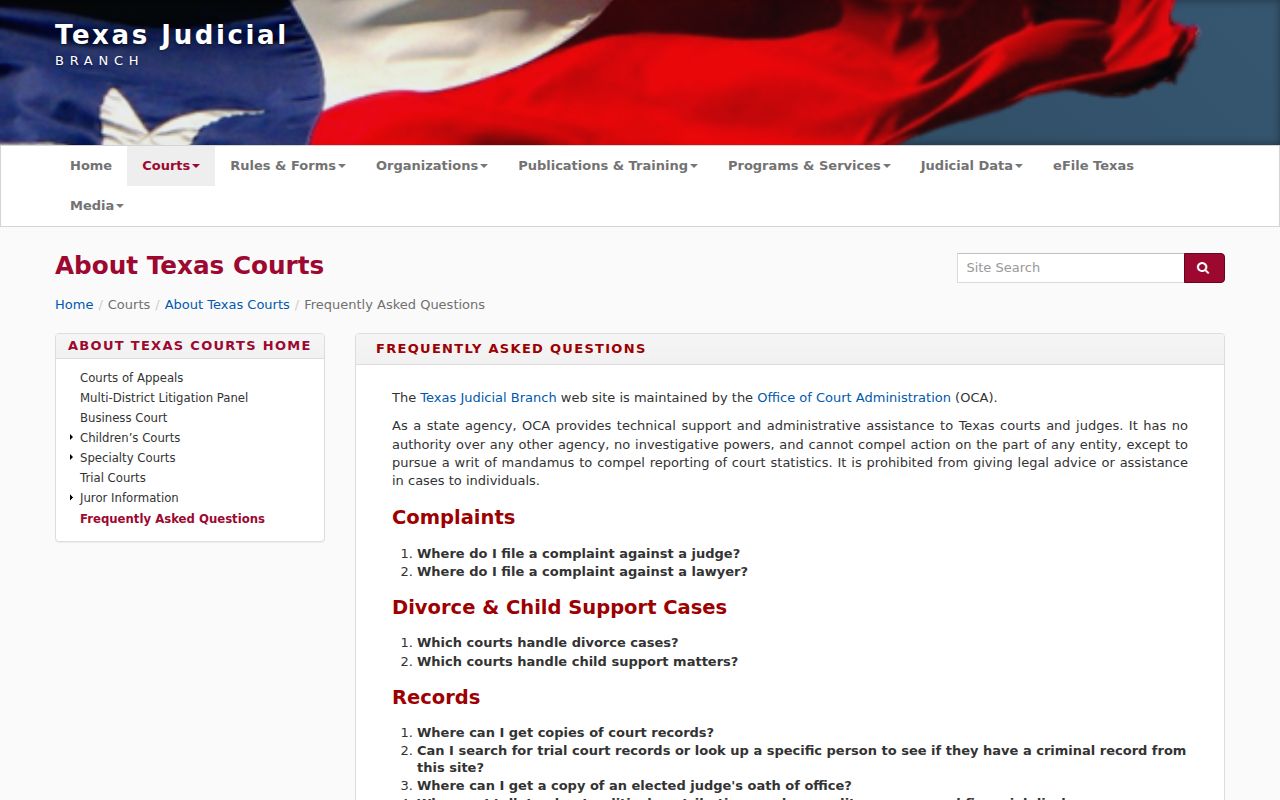
The captured guidance supports the local-clerk fallback that defines the Lipscomb search process.